HomeMinecraft ModsInvMove Mod (1.21.11, 1.21.10) | Craft in Minecraft While Moving
InvMove Mod (1.21.11, 1.21.10) | Craft in Minecraft While Moving
3.3K views
3.3K
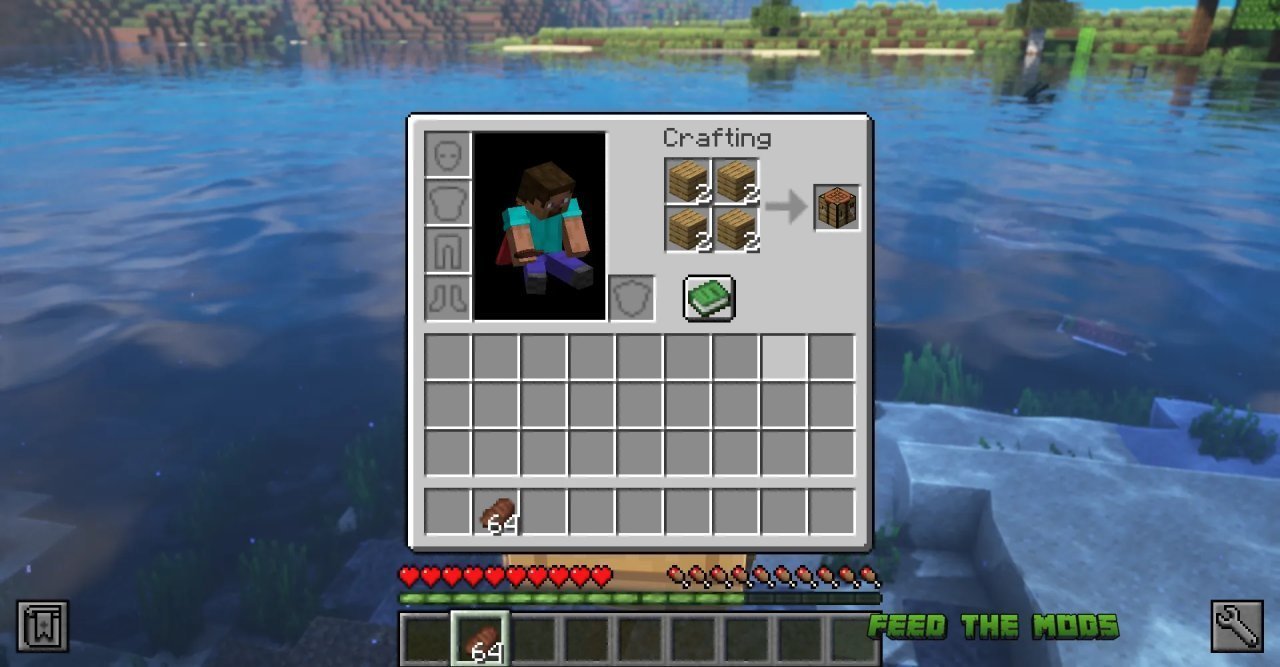
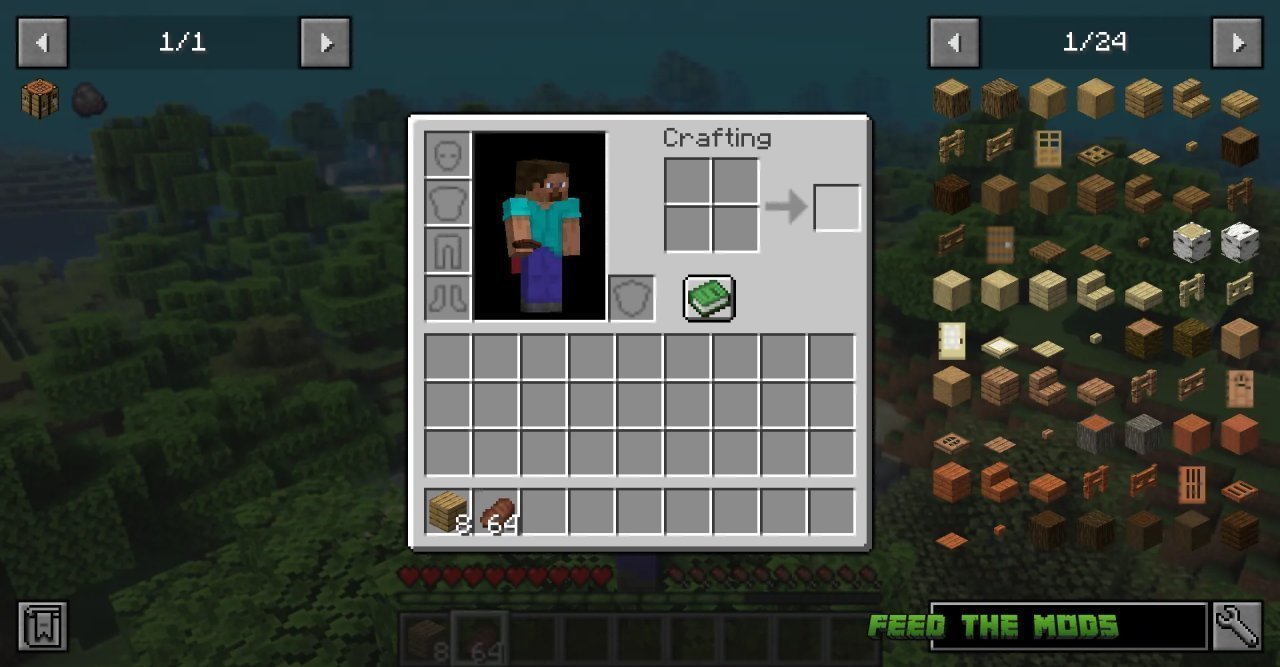
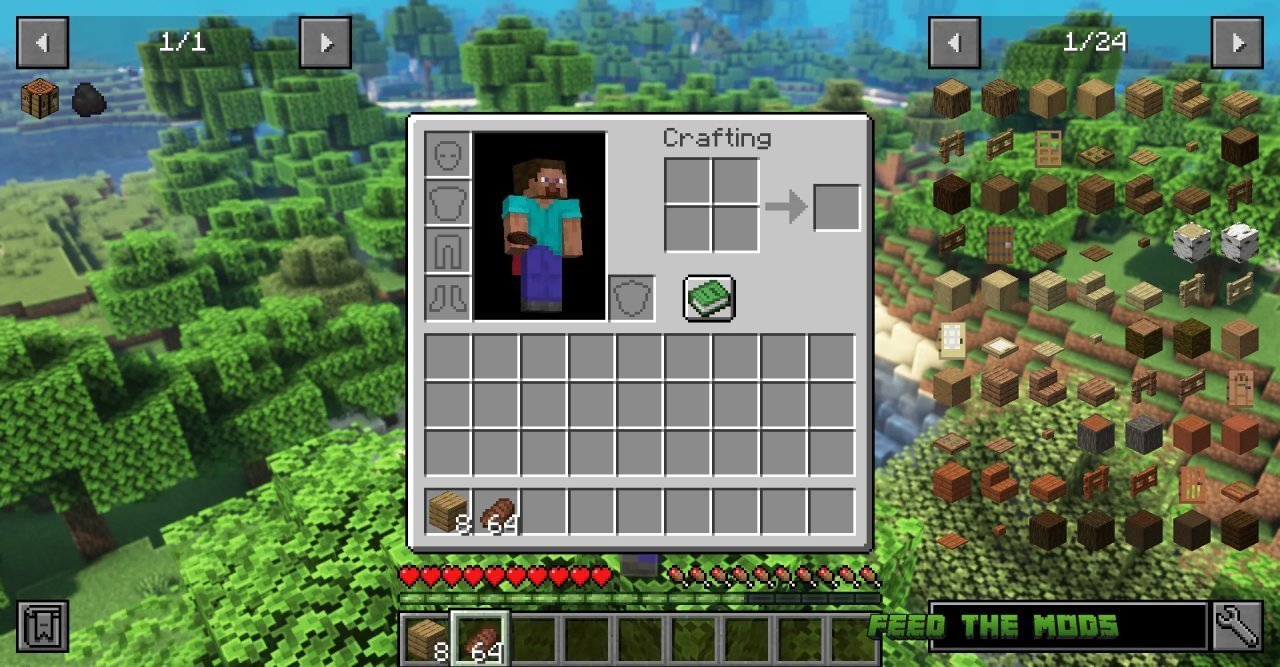
InvMove Mod is a client-side mod that allows you to move, jump, sprint, etc. from within inventories. This means that you can craft or organize your inventory while still exploring your world. The mod also hides the darkened background tint in inventories that don’t pause the game, which can make it easier to see what you’re doing.
Features:
-Move, jump, sprint, etc. from within inventories.
-Hide the darkened background tint in inventories that don’t pause the game.
-Toggle movement and background features on or off per-inventory.
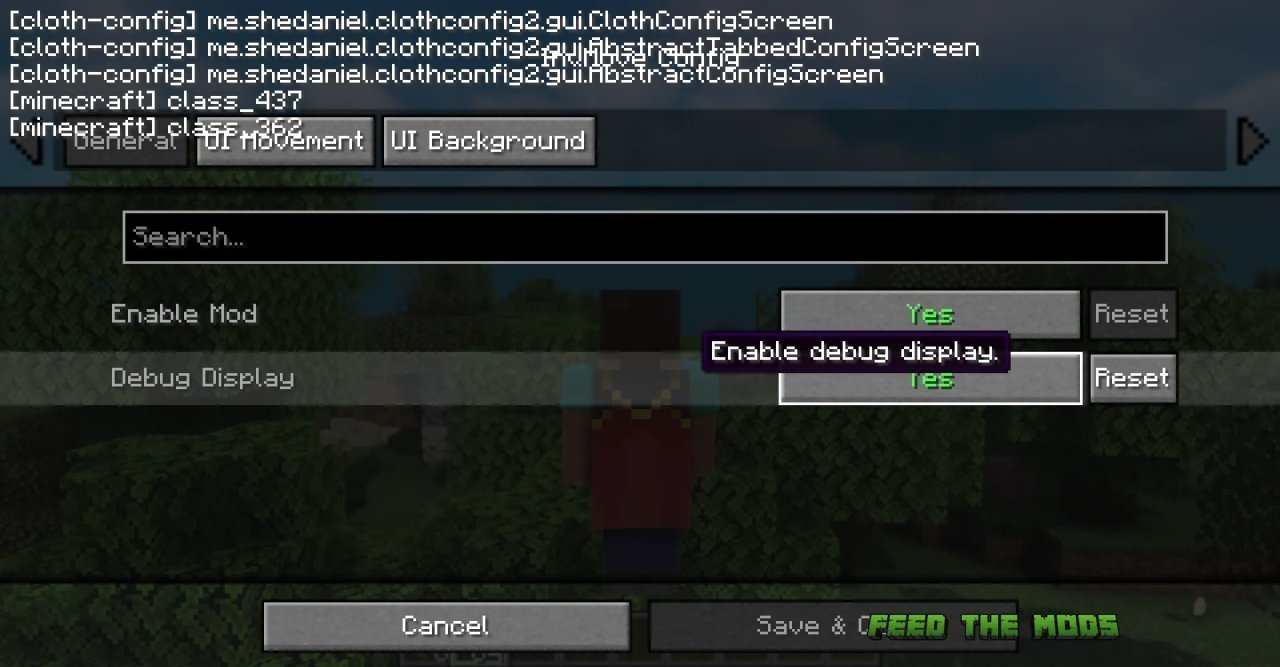
-Debug overlay to help debug compatibility problems.
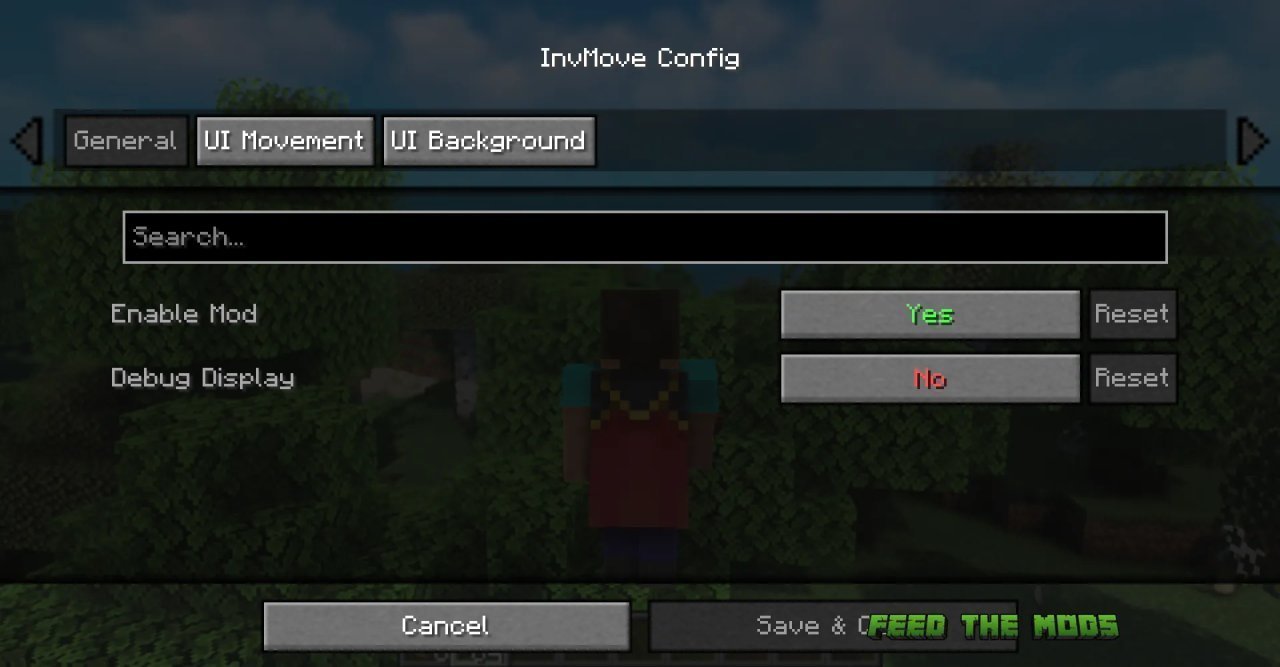
Config (In-game)
General:
Enable Mod: Enable the entire mod
Debug Display: Enables a debug overlay that can help debug compatibility problems.
UI Movement:
Move In Inventories: Enable movement in inventoriesThere is a keybind you can set to toggle this setting (unbound by default)
Allow Jumping: Allow jumping in inventories
Sneak Mode: How to handle sneaking in inventories:
Off = No sneaking
Maintain = Keep sneaking if you were when the inventory opened (default)
Pressed = Sneak only while holding the sneak button (can be distracting when shift-clicking)
Allow Dismounting: Allow dismounting from mounts in inventories (overrides “Sneak Mode” while on a mount)
Text Field Disables Movement: Disable movement when a text field is focused (like search bars or in an anvil)
UI Background:
Hide Inventory Backgrounds: Hides the background tint while in inventories.
Pause Screens Background: How to handle screens that pause the game:
Show = Always show background
ShowSP = Show background in singleplayer, otherwise allow hide
When you login first time using a Social Login button, we collect your account public profile information shared by Social Login provider, based on your privacy settings. We also get your email address to automatically create an account for you in our website. Once your account is created, you'll be logged-in to this account.
DisagreeAgree
I allow to create an account
When you login first time using a Social Login button, we collect your account public profile information shared by Social Login provider, based on your privacy settings. We also get your email address to automatically create an account for you in our website. Once your account is created, you'll be logged-in to this account.