

Pyvtron Shaders | Vibrant Realistic Shaders
Pyvtron Shaders brings vibrant realistic lighting, an 8K sky, and fancy water to Minecraft while keeping frame rates playable on modest hardware.
Pyvtron Shaders is a realistic Minecraft shader pack that pushes vibrant color, dramatic lighting, and crisp reflections without crushing your frame rate. It pairs an oil-painting palette with a hyper-detailed 8K sky, fancy water, and volumetric light rays so the world feels alive at any time of day. If you want cinematic visuals on a mid-range GPU, this pack targets that exact middle ground.

What Pyvtron Shaders Does to Your World
The Pyvtron Shaders pack is a work-in-progress project built around one idea. Have a vibrant shader that still gives you decent performance. Pyvtron goes full throttle with vibrant lighting, a hyper-realistic 8K sky, lush water reflections, and a wide assortment of tweaks that make the world pop like an oil painting. The result reads as realistic without the heavy path-traced cost that pushes flagship packs out of reach on older hardware.


Standout Visual Features
A few effects define the Pyvtron look and set it apart from the rest of the shader crowd.
- Extreme 8K Resolution Sky. Look up and the sky carries real depth instead of a flat gradient.
- Gorgeous Water Color. Reflective, wavy, and refractive, with dynamic color that shifts by biome.
- Volumetric Light Rays and Dirty Lens. God rays cut through fog and trees for a cinematic punch.
- Ambient Occlusion and PBR Shadows. Contact shadows and physically based shading give blocks real weight.
- Dynamic Fog. Fog density changes with the time of day and weather, adding mood and depth.
- Tons of Settings. Tweak the look to your taste straight from the in-game shader menu.
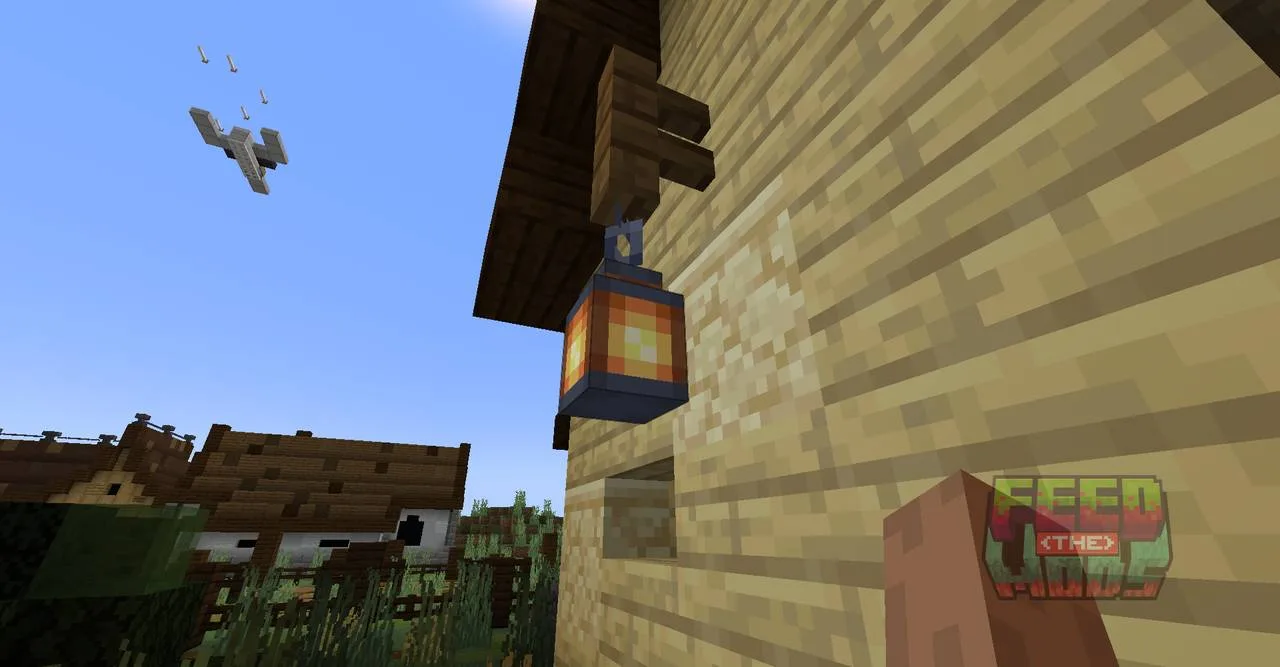
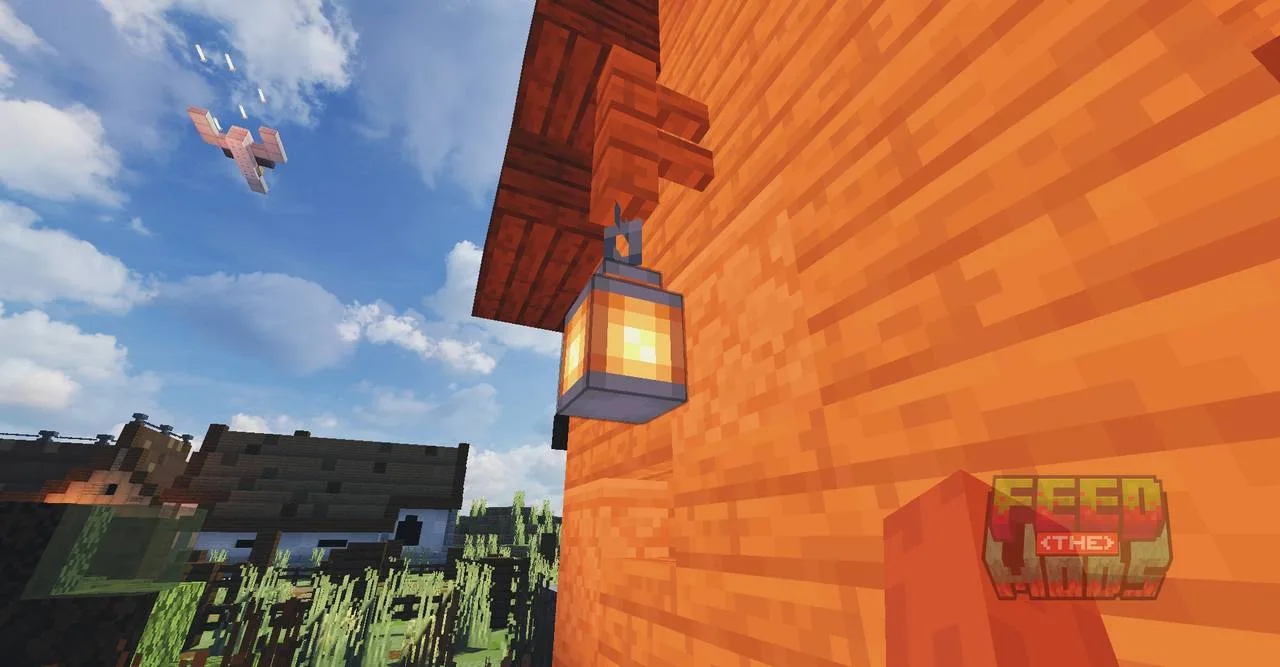
Pyvtron Shaders Screenshots




Installing Pyvtron Shaders
The pack runs on the Iris shader loader. If you have not set that up yet, walk through our Iris install guide first, then come back here.
- Launch Minecraft with your Iris profile.
- Grab the newest Pyvtron shaderpack file.
- In-game, open Options, then Video Settings, then Shaders.
- Click Shaderpacks Folder to open the directory.
- Drag the downloaded shaderpack into that folder.
- Select Pyvtron from the shader list and apply it.
OptiFine is not officially tested with this pack. If you already run OptiFine and want to try Pyvtron, it may work on some builds, but Iris is the supported path and the one the developer targets.
Performance and Hardware Notes
Pyvtron sits in the low-to-medium performance band, which is the whole point. It is built to look bold on cards that are not top-of-the-line. You will want a dedicated GPU from Nvidia or AMD with OpenGL 4.0 or newer, and the developer recommends OpenGL 4.4 or higher for the full feature set. Turn the fog and light-ray settings down first if you need to recover frames, since those are the heaviest effects in the pack.
A heavier sister pack called Pyvtron VX exists if you want pushed realism with advanced clouds, water caustics, and environmental interactions. Expect a much bigger performance hit there.
Frequently Asked Questions
Is Pyvtron Shaders free to use? Yes for personal play. The custom Pyvton Copyright Claw License lets you modify the pack for yourself, but it blocks rehosting, bundling into modpacks or launchers, and ad-wrapped download links. Videos and screenshots are fine, even monetized, as long as you credit the project.
How is Pyvtron different from Pyvtron VX? Pyvtron is the performance-optimized original. Pyvtron VX is the detailed variant with volumetric fog, water caustics, cumulus and cirrus clouds, and realistic rain. Pick the base pack for smooth frames, pick VX when your GPU has headroom to spare.
Will it run on integrated graphics? Not comfortably. The pack expects a dedicated Nvidia or AMD GPU with OpenGL 4.0 support. Integrated chips usually fall below that bar and will struggle or fail to load the heavier effects.
Can I bundle Pyvtron into a modpack? No. The license explicitly forbids bundling the shaderpack into modpacks, resource packs, or launchers. Share a link to the official download instead.
Compatibility & downloads

Showing 20 of 35 MC versions.
Discussion
No comments yet
Be the first to start the discussion.


